NoteGen
Automatic HTML page generator based on summaries and notes from Obsidian Markdown files. Supports LaTeX rendering for mathematical expressions, code block highlighting for multiple languages, and seamless embedding of l…
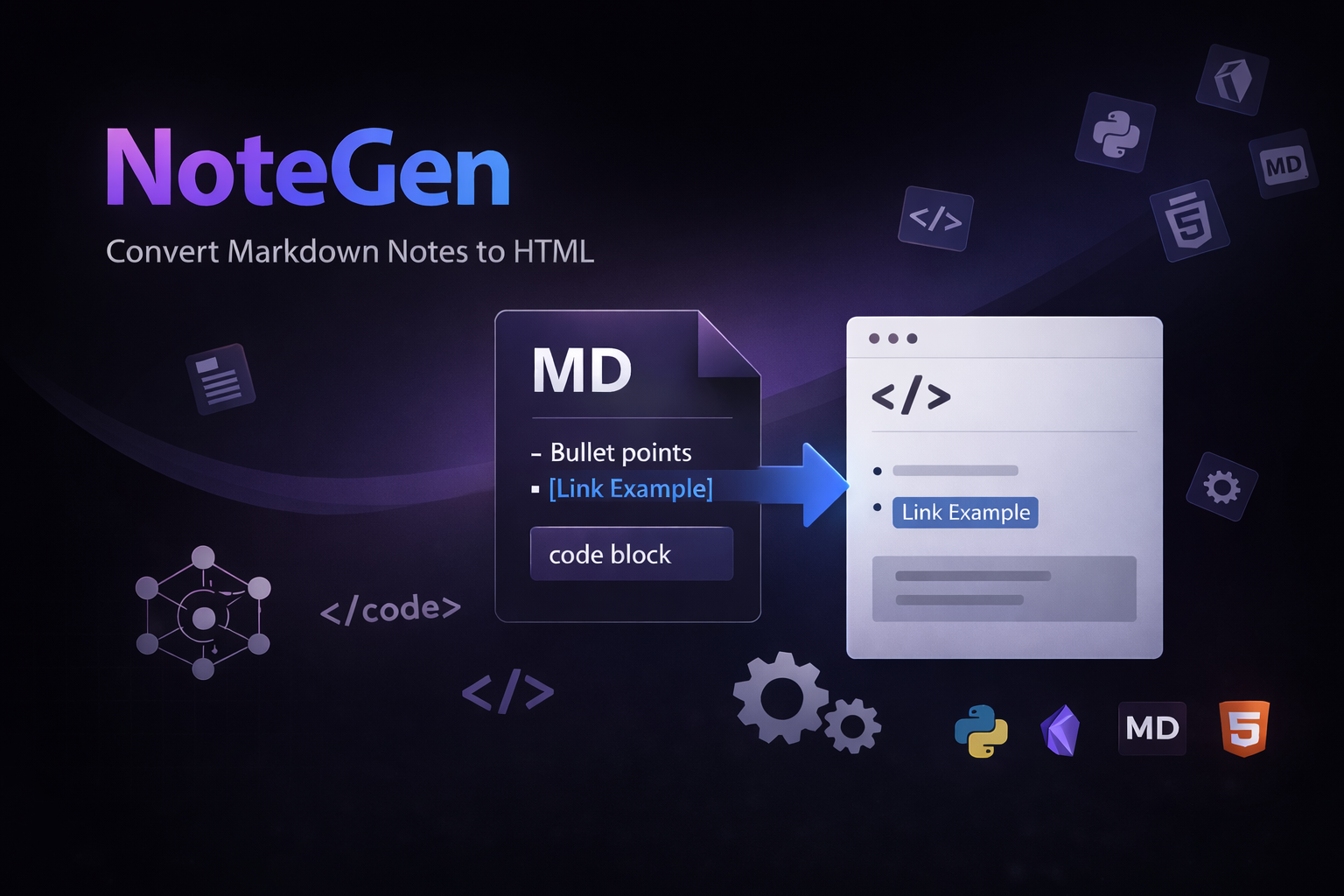
Маршрут проекта
Automatic HTML page generator based on summaries and notes from Obsidian Markdown files.
Supports LaTeX rendering for mathematical expressions, code block highlighting for multiple languages, and seamless embedding of links, images, and structured content.
Designed with a clean, modern, and responsive UI, making generated pages easy to read and visually appealing. Ideal for publishing knowledge bases, study notes, and technical documentation with minimal setup.
Репозиторий
github.com/p4sttt/notegenОткрытые роли (2)
Designer
открытаUpdate design
Frontend Developer
открытаProject support and configuration, maintaining code purity and correcting security errors
Апдейты (0)
Апдейтов ещё нет.
Комментарии (0)
Войдите, чтобы оставить комментарий
Репозиторий
p4sttt/notegen ↗Стек
3.1k LOCВетки (2)
README.md
notegen
Static notes site generated from a private Obsidian vault.
What It Does
- imports topics from vault directories that contain
_index.md - imports note pages from markdown files inside each topic directory
- imports Jupyter notebooks (
.ipynb) as note pages - imports CSV files (
.csv) as interactive database pages - copies relative assets from
./assets/... - builds a static Astro site with light/dark themes
- renders LaTeX via KaTeX
- deploys to GitHub Pages through GitHub Actions
- rebuilds automatically when the private vault repository updates
Repository Structure
src/
  content/
    notes/        generated note markdown
    topics/       generated topic markdown
  data/generated/ generated topic metadata
  pages/          Astro routes
scripts/
  sync-vault.mjs  imports vault content into the site
  sync-vault/     sync implementation modules
.github/workflows/
  deploy.yml      build and deploy workflow
Vault Sync Modules
scripts/sync-vault.mjs is the CLI entrypoint and orchestration layer. The implementation details live in scripts/sync-vault/:
env.mjsreads values from.envignore-rules.mjsparses.notegenignoreand checks ignored pathsmarkdown.mjsparses frontmatter and prepares Markdown summaries/contentnotebooks.mjsconverts Jupyter notebooks into Markdown and output assetscsv.mjsparses CSV files and infers database column typesassets.mjscopies local assets and rewrites Markdown/HTML asset linkschangelog.mjsparses changelog events and renders generated changelog datavault-files.mjswalks the vault and resolves topic ancestrysite-config.mjsreads vault-levelnotegen.config.jsonpaths.mjsnormalizes site paths, slugs, and generated content filenamesfs-utils.mjscontains small filesystem helpers shared by sync modulesdata-file.mjsrenderssrc/data/generated/topics.ts
Local Development
1. Install dependencies
npm install
2. Create .env
VAULT_PATH=./vault
VAULT_PATH should point to a local checkout or fixture copy of your Obsidian vault.
3. Sync the vault
npm run sync:vault
4. Start the dev server
npm run dev
Vault Format
Each topic is a directory in the vault:
vault/
  database.csv
  optimization_methods/
    _index.md
    karush_kuhn-tucker.md
    papers.csv
    assets/
      image.png
Expected conventions:
- a topic directory must contain
_index.md _index.mdmay contain frontmatter such astitle,slug,draft,description- note files may be Markdown (
.md) or Jupyter notebooks (.ipynb) - Markdown note files may contain frontmatter such as
title,slug,date,status,tags tagsshould be an array of strings:tags: ["ai", "nlp"]. Tags are color-coded based on the site accent color.- CSV files (
.csv) are imported as database pages; top-level CSV files appear on the home page, and CSV files inside a topic appear in that topic - note
statusvalues aredraft,in-progress, ordone; legacydraft: truemaps tostatus: draft, and legacydraft: falsemaps tostatus: done - Jupyter notebooks are converted during
npm run sync:vault: markdown cells become page Markdown, code cells become syntax-highlighted code blocks, and supported outputs are rendered as HTML, text blocks, or copied image assets - Jupyter notebooks may define note metadata through
notebook.metadata.notegenor through YAML frontmatter in the first markdown cell - relative assets should be referenced like

CSV database pages:
- use the first row as column headers
- support comma, semicolon, and tab delimiters
- infer column types as
text,number,date, orboolean - render boolean values as compact checked/unchecked controls
- include search, per-column filters, column sorting, column visibility controls, and visible-row counts
- use the filename as the database title and slug
CSV example:
title;year;read
Attention Is All You Need;2017;true
Scaling Laws;2020;false
Notebook metadata example:
{
  "metadata": {
    "notegen": {
      "title": "Notebook Page Title",
      "slug": "notebook-page",
      "description": "Short page description.",
      "date": "2026-05-14",
      "status": "in-progress"
    }
  }
}
Equivalent first markdown cell:
---
title: "Notebook Page Title"
slug: "notebook-page"
description: "Short page description."
date: "2026-05-14"
status: "in-progress"
---

# Notebook content starts here
If both are present, first-cell frontmatter overrides notebook.metadata.notegen. If neither defines title, notegen uses the first # Heading in a markdown cell, then falls back to the filename.
Site Configuration
Each notes repository can override frontend text by adding notegen.config.json to the vault root:
{
  "changelogPath": "changelog.json",
  "siteText": {
    "ru": {
      "brand": "Статьи pig-ai",
      "heroTitle": "Статьи pig-ai",
      "metaDescription": "Статьи и заметки pig-ai.",
      "heroBody": "Материалы, заметки и длинные тексты."
    },
    "en": {
      "brand": "pig-ai articles",
      "heroTitle": "pig-ai articles",
      "metaDescription": "pig-ai articles and notes.",
      "heroBody": "Articles, notes, and long-form writing."
    }
  }
}
changelogPath is optional and defaults to changelog.json in the vault root. Relative paths are resolved from the vault root.
Top-level siteText fields apply to every locale. Locale-specific ru and en fields override those values.
Supported text fields:
metaDescriptionbrandheroEyebrowheroTitleheroBodyheroTag
By default the build reads $VAULT_PATH/notegen.config.json. Use SITE_CONFIG_PATH to point to another config file.
Ignoring Vault Files
Add .notegenignore to the vault root to skip files and directories during import:
# Do not import repository docs as notes
README.md

# Ignore any directory with this name
drafts/

# Ignore a path from the vault root
private/meeting-notes.md

# Ignore copied note assets
raw/
*.tmp
Rules are matched relative to the vault root. Directory rules ending with / skip the directory and everything inside it. * matches inside one path segment. Negated rules with ! are not supported.
CI/CD
notegen uses GitHub Actions for build and deploy:
- the vault repository sends
repository_dispatchwith eventvault-updated - this repository checks out the private vault repo during CI
npm run sync:vaultgenerates site content- Astro builds the static output
- GitHub Pages publishes
dist/
Required repository configuration
In notegen:
- Action secret:
VAULT_READ_TOKEN - Action variable:
VAULT_REPO_URL
In the vault repository:
- Action secret:
NOTEGEN_DISPATCH_TOKEN - Action variable:
NOTEGEN_REPO_URL
Pages setting in notegen:
Settings -> Pages -> Source -> GitHub Actions
Docker
The Docker image builds the static site from a mounted vault repository.
Published image
Pushes to main and version tags publish the frontend image to GitHub Container Registry:
ghcr.io/<github-owner>/notegen:latest
ghcr.io/<github-owner>/notegen:v0.1.0
ghcr.io/<github-owner>/notegen:sha-<commit>
To use this image from GitLab or another external CI, make the GHCR package public in GitHub:
GitHub -> Packages -> notegen -> Package settings -> Change visibility -> Public
Build the image
docker build -t notegen .
Build a site locally
docker run --rm \
  -v "$PWD/vault:/vault:ro" \
  -v "$PWD/dist:/out" \
  -e ASTRO_SITE="https://example.github.io" \
  -e ASTRO_BASE="/notegen" \
  notegen
Container contract:
/vaultis the mounted notes repository/outreceives the generated static siteVAULT_PATHdefaults to/vaultOUT_DIRdefaults to/outASTRO_SITEandASTRO_BASEoverride AstrositeandbaseSITE_CONFIG_PATHcan point to a custom site config JSON file
Example GitHub Actions usage from a notes repository
name: Build notes site

on:
  push:
    branches: [main]

jobs:
  build:
    runs-on: ubuntu-latest
    steps:
      - name: Checkout notes
        uses: actions/checkout@v4
        with:
          path: vault

      - name: Checkout notegen
        uses: actions/checkout@v4
        with:
          repository: owner/notegen
          path: notegen

      - name: Build notegen image
        run: docker build -t notegen ./notegen

      - name: Build static site
        run: |
          mkdir -p site
          docker run --rm \
            -v "$PWD/vault:/vault:ro" \
            -v "$PWD/site:/out" \
            -e ASTRO_SITE="https://${{ github.repository_owner }}.github.io" \
            -e ASTRO_BASE="/${{ github.event.repository.name }}" \
            ghcr.io/owner/notegen:latest

      - name: Upload Pages artifact
        uses: actions/upload-pages-artifact@v3
        with:
          path: site
Notes
- generated vault content is ignored by git
- local
vault/and.envare ignored by git - current feature status lives in FEATURES.md
Changelog
During npm run sync:vault, notegen reads the changelog file from the vault root and generates a /changelog page. The default file is:
vault/changelog.json
Override it in notegen.config.json:
{
  "changelogPath": ".notegen/changelog.jsonl"
}
The parser accepts either a JSON array:
[
  {
    "timestamp": "2026-05-06T22:40:00Z",
    "action": "updated",
    "kind": "note",
    "path": "topic/note.md",
    "title": "Topic Note",
    "topic": "Topic",
    "source": "pre-commit"
  }
]
Or JSON Lines, one event per line:
{"timestamp":"2026-05-06T22:40:00Z","action":"created","kind":"note","path":"topic/note.md","title":"Topic Note","source":"pre-commit"}
{"timestamp":"2026-05-06T22:43:00Z","action":"renamed","kind":"note","oldPath":"topic/old.md","path":"topic/new.md","title":"New Topic Note","source":"pre-commit"}
Event fields:
timestamp: ISO date string, for example2026-05-06T22:40:00Zaction:created,updated,deleted,renamed; unknown values becomechangedkind:note,topic,database,asset; unknown or missing values becomeotherpath: current path relative to the vault rootoldPath: previous path for renamed filestitle: optional display title; if omitted,notegentries to use the current generated note or topic titletopic: optional display topicsource: optional source label such aspre-commit